

The Exchange server is essential for business operations,managing emails, schedules, tasks, and ensuring security. It is compatible withvarious devices and platforms, offers synchronization, and can be customizedwith add-ons for specific business needs, making it a valuable tool forcommunication and collaboration within organizations.
In this lab I was able to deploy and configure Exchangeserver 2019 in my VMware workstations.
I used a 60 GB hard drive, 8 GB of RAM, and 1 processor with4 cores.
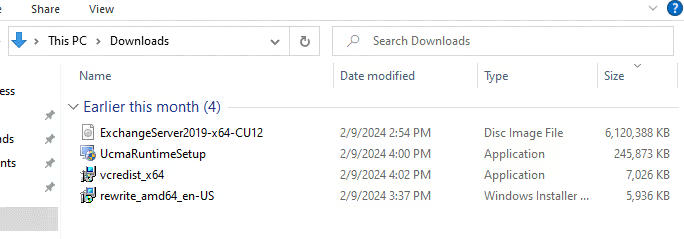
I made a Service admin account and got all the files Ineeded to install the exchange server. The setup was straightforward, but ittook a bit of time to get everything installed.
Followed Microsoft’s guidelines step by step, as they say isthe best way to go in this link: Planningand deployment for Exchange Server | Microsoft Learn!
After successfully installing Exchange server we can nowlogin to exchange Administrative center as shown below
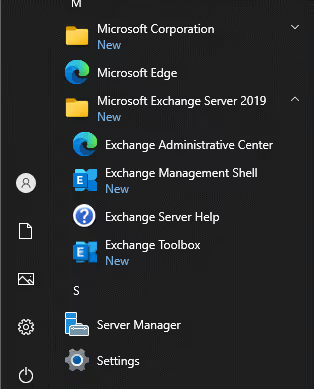
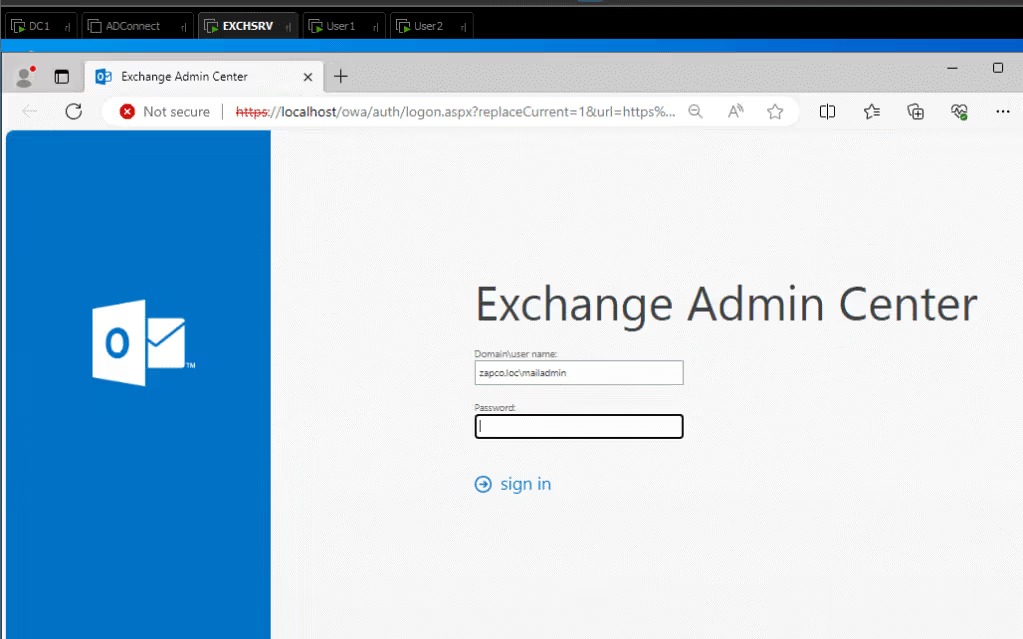
And now we currenly inside exchange admin center
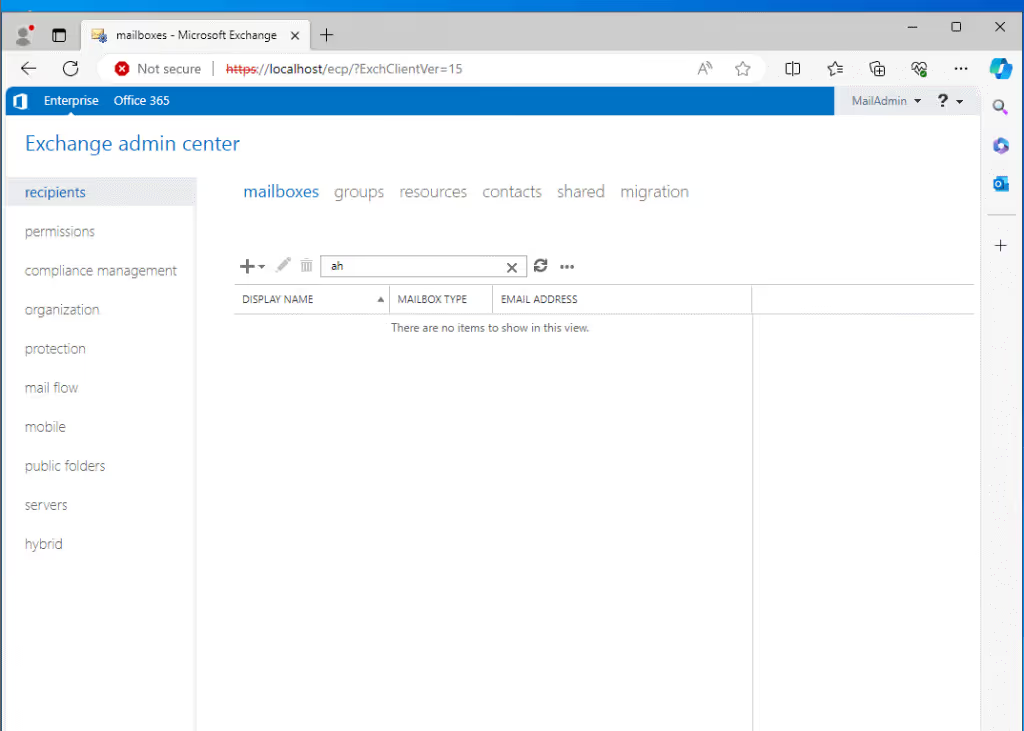
Now I tried to create an email for existed user and testemail configuration in Outlook application to see if he was able to send anemail
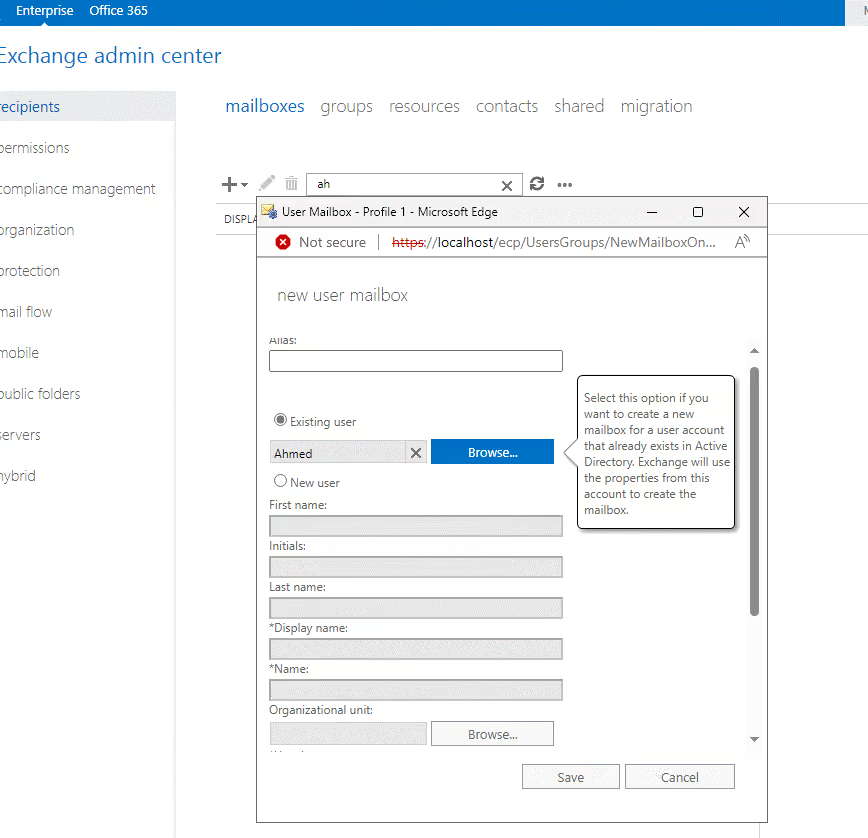
I will try to create email for User named “Ahmed”
Going to exchange server and create new user mailbox forexisting user
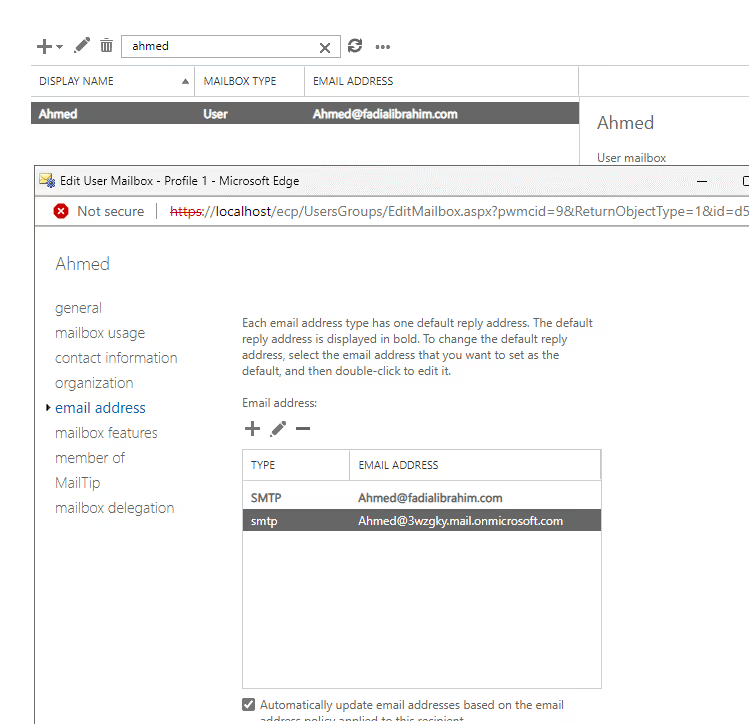
Now the email has been set up with the SMTP of ourconfigured domain in AD, as you can see below.
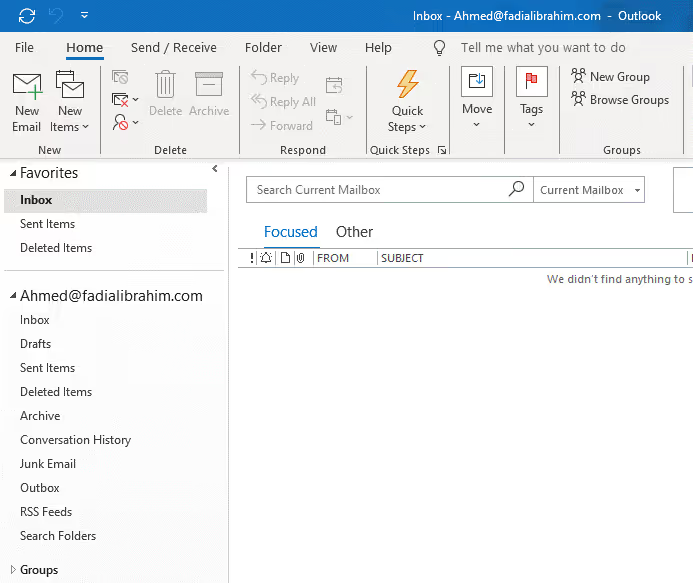
After your account is shifted to Azure AD with the Azure ADConnect server and you’ve got the Microsoft license sorted. You can log in toyour “Ahmed” account on your PC and open the Outlook app, your email shouldalready be there to be configured, thanks to the SSO feature set up during theAzure AD Connect setup.
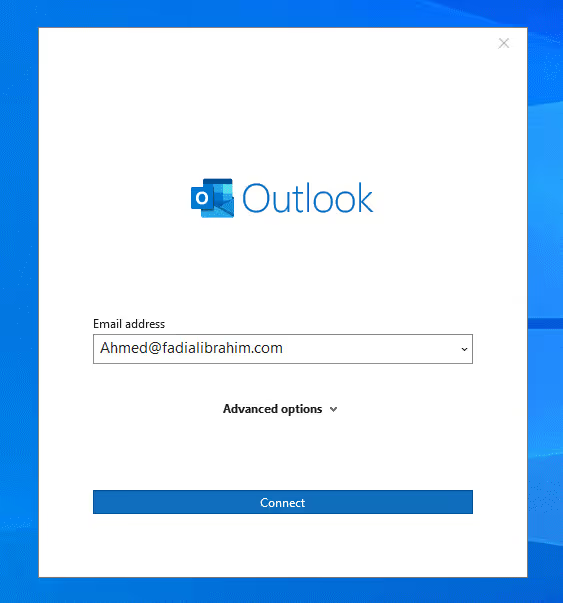
Now the email is all set and good to go, with our own customdomain previously configured in AD.
In a nutshell, having an Exchange Server can be prettyuseful for organizations with a hybrid setup. It offers some perks like bettermanagement and support for features like centralized mail transport and unifiedmessaging. But hey, it’s not a must-have for setting up a hybrid environmentwith Exchange Online.
The key here is to plan carefully and think about yourorganization’s needs to figure out the best setup for your environment.
Deploying the exchange server was actually pretty fun tolearn and execute. It really helped me grasp the nature of the solution andwhat it’s capable of.