
LAB 2
Setup Hybrid Environment with Microsoft 365 Sandbox
Publishd by :
Fadi Al Ibrahim
February 20, 2024

In this lab, deploying Microsoft 365 was an excitingproject. It involved careful planning and different important aspects to moveassets from on-premises infrastructure to Azure Active Directory. Understandingthe existing infrastructure and how Azure works with Microsoft 365 was a bigpart of this task. this project showed how important careful planning, goodexecution, and continuous monitoring are for a successful deployment ofMicrosoft 365 and moving assets to Azure Active Directory.
Microsoft provides a sandbox account for learning newtechnologies and solutions beneficial for enterprises. To sign up, visit thefollowing link: DeveloperProgram | Microsoft 365 Dev Center
I have subscribed to the Microsoft 365 Developer plan,specifically the E5 subscription. This plan offers a wide range of benefits,including Exchange Online, Defender for Cloud Apps, Data Loss Prevention, andmore.
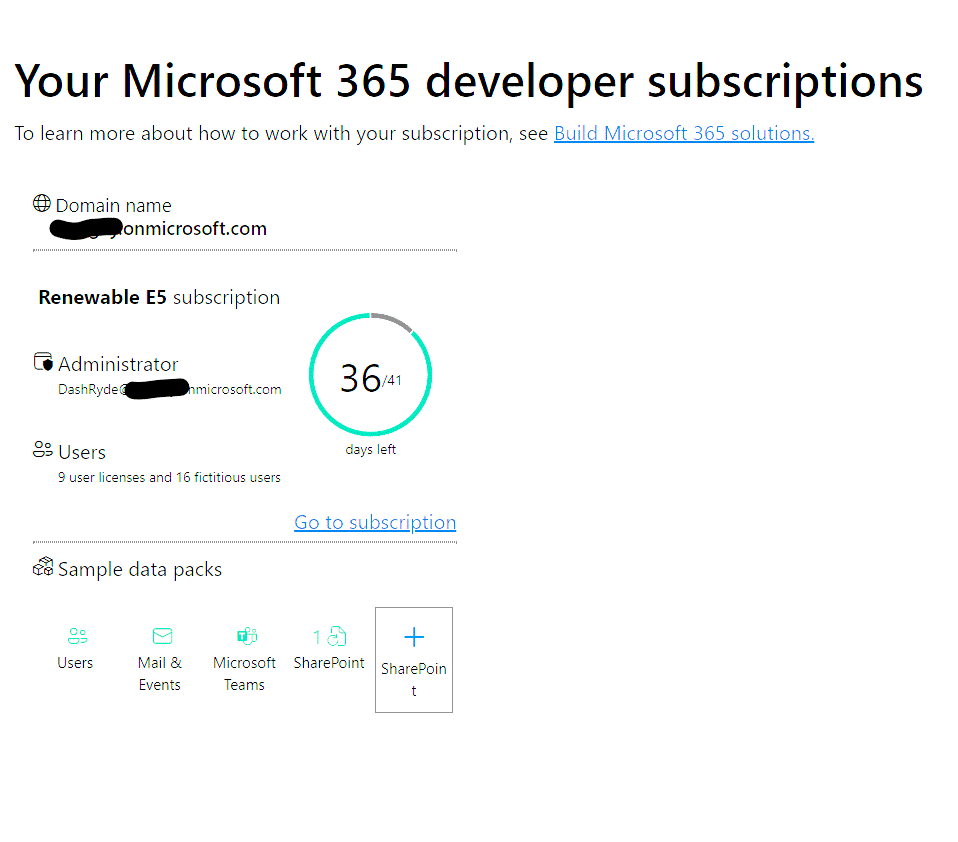
Migrating an organization’s Active Directory to Azure ActiveDirectory can bring various benefits. This includes the ability to efficientlymanage users by assigning them licenses for different productivity solutionssuch as Exchange Online, Microsoft Teams, and SharePoint.
Additionally, the seamlessintegration with Azure AD offers enhanced security features and simplifiedaccess management, contributing to a more streamlined and secure operationalenvironment for the organization.
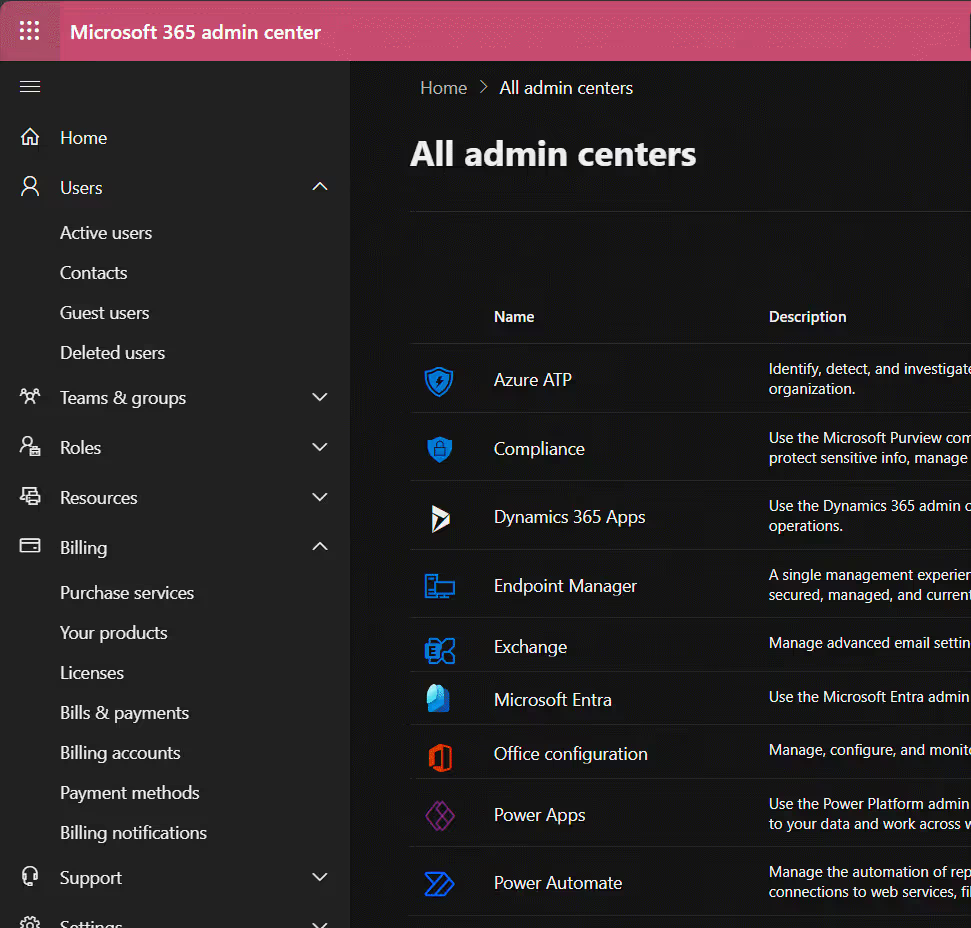
Configuring Custom Domain
To make our experiment even more legit, I’ve gone ahead andcustomized my website domain in Active Directory, just like you see here.
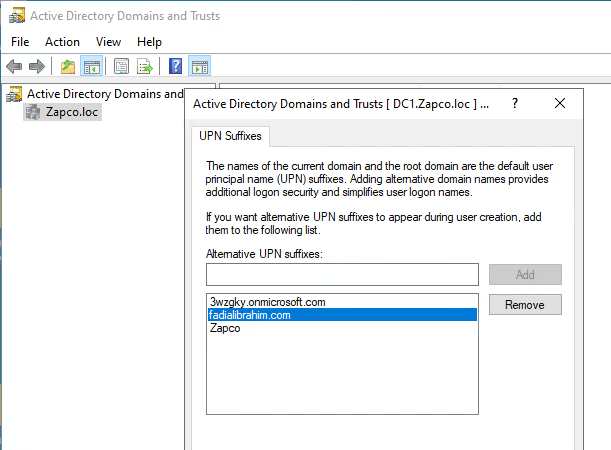
The reason we’re doing this is because in real life, whenyou have your own company, you definitely want to set up user accounts for youremployees using your own company custom domain that you bought and use it in aprofessional manner.
So, when you make a new user account, you can just choosethe domain that you’ve already added, like in the example below.
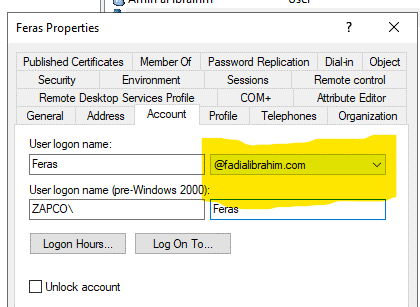
We are not done yet, we must authenticate and set up ourdomain in Microsoft 365 admin center. The reason behind this is that severalDNS records have to be added to your custom domain. Luckily, if your domain isfrom a famous domain provider, Microsoft will do the work automatically, sothere’s no need for extra work on your end.
As you can see below I setup my domain through MicrosoftAdmin Center
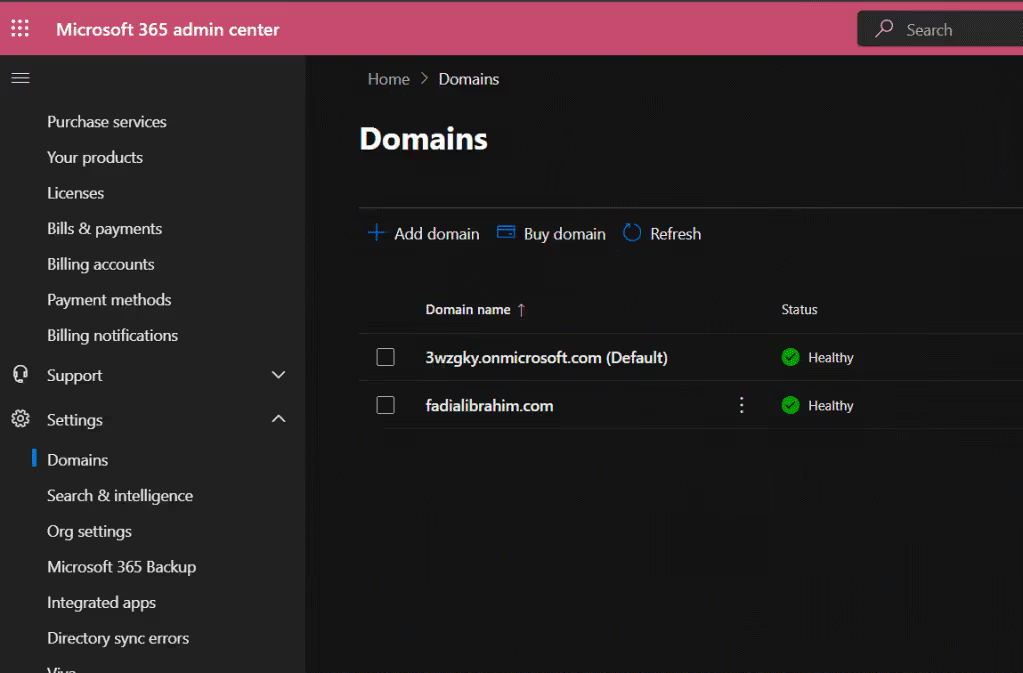
Also, you can check out the health status of your domain andthe DNS records that have been added by Microsoft. This is super useful forAutoDiscovery and securing your Exchange Online emails.
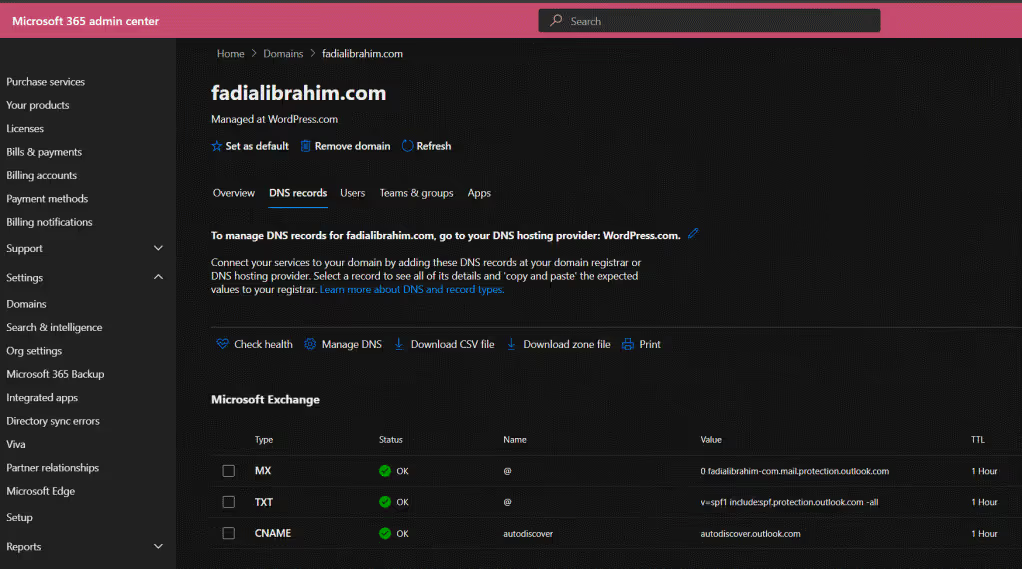
Nope, we’re all set to move the users from Active Directoryto Microsoft 365 and Azure Active Directory to enjoy the perks of Microsoftproductivity solutions.
Fully Cloud vs. Hybrid Cloud
The choice of going all in with the cloud or sticking with amix of on-site and cloud systems is super important for any organization. Afull-on cloud setup gives you flexibility, scalability, and might even save yousome cash. On the other hand, having a mix lets you keep some stuff on-site,which can be great for old systems or meeting specific security and complianceneeds. You’ve got to really think about things like data security, performance,cost, and following the rules to make the right call.
In my lab, I shifted our active directory to Microsoft 365using the Azure AD Connect sync tool. This move made it a breeze to link up ouruser accounts and resources to the cloud platform. The switch made managingusers and accessing resources way smoother, making our IT setup more efficientand seamless.
And hey, you can grab Azure AD Connect from Microsoft Entra(formerly known as Azure Portal). It’s right there for you to download!
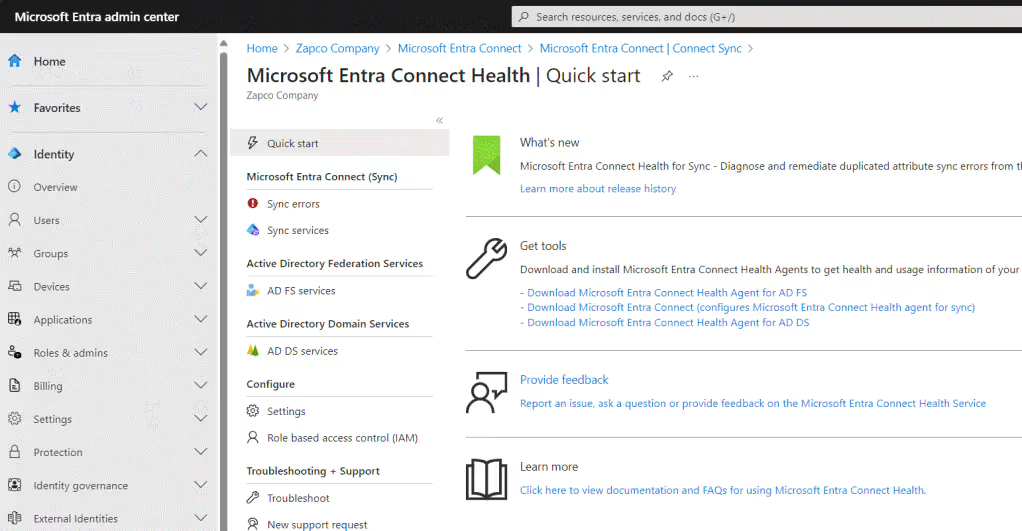
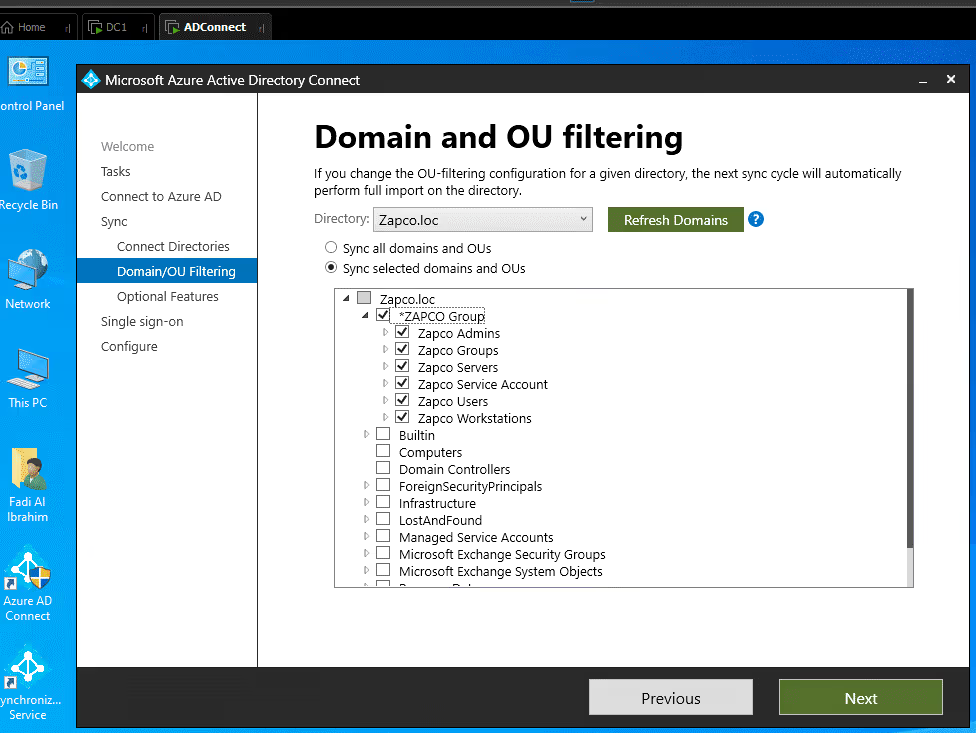
I’ve got a dedicated server set up in my VMware lab forsyncing Active Directory. Once I installed the Azure AD Sync app and assignedthe right admin roles, I could pick the Organizational Unit (OU) to sync withAzure AD.
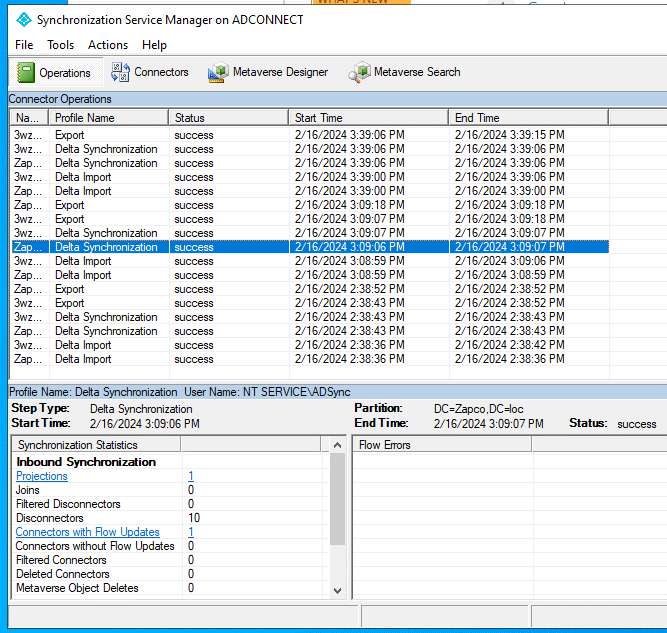
After configuring Azure AD Connect and running thesynchronization service manager, it is evident that the selected data has beensuccessfully exported to Microsoft Entera and Office 365.
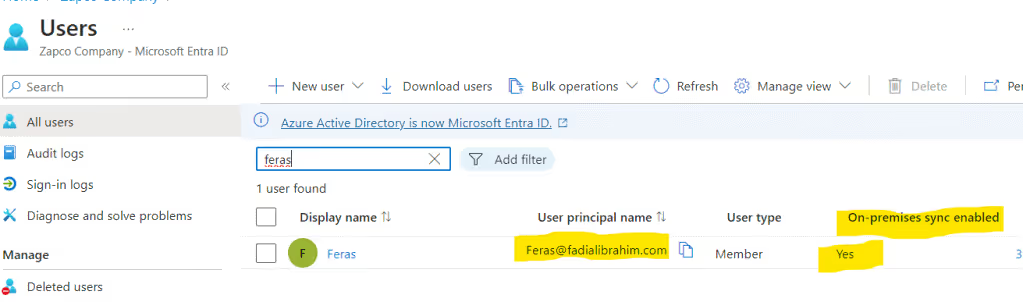
Going back to Microsoft Entra, you’ll notice that the usershave been synced with your custom domain email. You can tell also that the useris synced from On-premise.
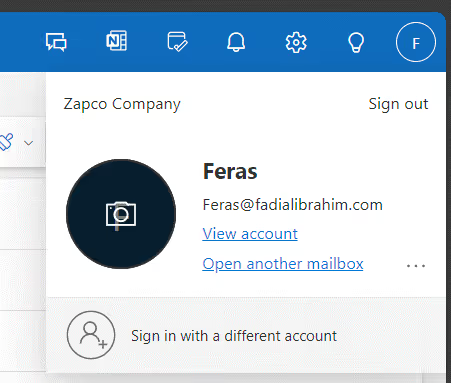
Aftergiving the right Microsoft license to users, they can set up their email in theOffice 365 Outlook app and start chatting with others as you can see below
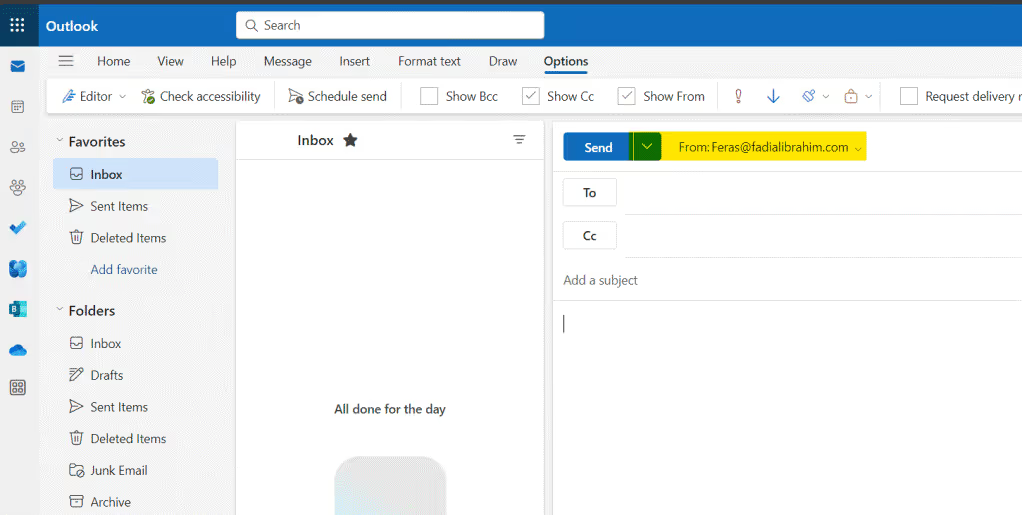
We just wrapped up moving our tenant in hybrid mode withAzure Active Directory, and let me tell you, the Microsoft 365 solution has aton to offer. Stay tuned for upcoming home lab articles where we’ll dive intoall the cool features!